
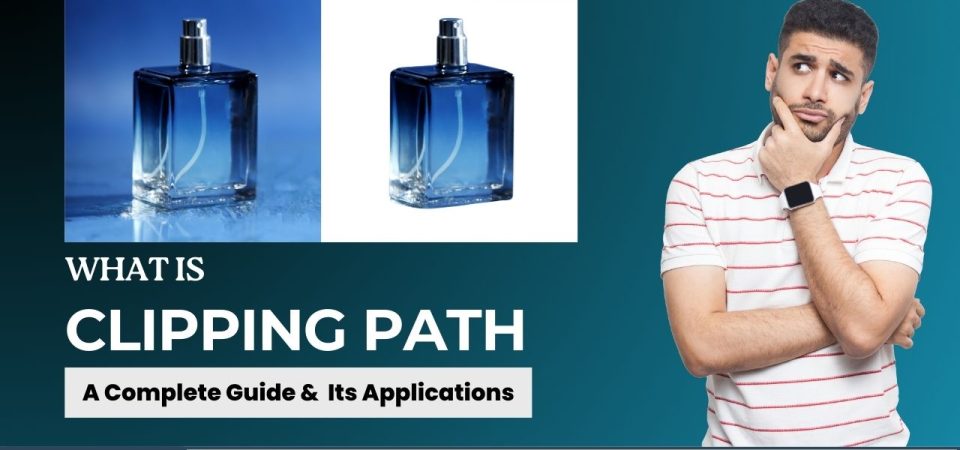
What makes an image truly stand out? For businesses in industries like ecommerce, advertising, and photography, high quality visuals are important for capturing attention and influencing buyer choices. One technique that transforms visuals is the clipping path, which removes an object from its background for a clean and professional effect. This guide delves into the essentials of clipping paths, covering their types, step by step creation in Photoshop and the impact they have on brands that depend on striking, polished images to engage audiences.

What is Clipping Path in Photoshop?
A clipping path is a technique in Photoshop where a closed vector path is drawn around an object to cut it out from its background. This method allows for precise isolation letting the object be placed on new backgrounds or used in different designs. To create a clipping path pen tool is often used to carefully trace the outline of an object allowing for detailed editing and making sure the object stands out.
Clipping paths are vital for industries like fashion, ecommerce, and marketing where flawless images are essential.
For example, an online retailer might use a clipping path to ensure their products are displayed against a consistent background, giving their website a professional, cohesive look.
Types of Clipping Path with Examples
There are several types of clipping paths, each serving a different purpose based on the object’s complexity and details:
- Basic Clipping Path: For simple shapes with straight edges, like boxes or books, where only a few anchor points are needed. For example, isolating a mobile phone requires this type of clipping path.
- Simple Clipping Path: Best for shapes with more curves and edges, such as shoes or cups, which need slightly more detail than basic shapes.
- Compound Clipping Path: Useful for objects with multiple holes or areas that need isolation, like eyeglasses or multiple bottles in one image.
- Complex Clipping Path: Needed for objects with intricate shapes, fine details, or semi-transparency, like jewelry or flowers.
- Multiple Clipping Paths: Allows different parts of the image to be isolated, color corrected, or edited individually, ideal for clothing where different colors or textures need adjustments.
Each type ensures the object is cleanly isolated and ready for a professional display. Knowing these types helps in choosing the right approach for each image’s needs.
How Do You Create a Clipping Path in Photoshop?
Creating a clipping path in Photoshop is simple but requires precision:
- Open the Image: Load the image in Photoshop.
- Select the Pen Tool: This tool enables you to draw paths around the object with control and accuracy.
- Draw the Path: Carefully trace the object’s outline, adding anchor points along the edges, especially at corners and curves.
- Save the Path: Once the object is fully outlined, save the path in the Paths panel.
- Convert to Clipping Path: This converts the path into a clipping path, making the background transparent and ready for editing or replacement.
An accurate clipping path ensures clean and versatile images.
For instance, in product photography, removing backgrounds can make images look polished, consistent and professional which is essential for platforms like Amazon, flipkart, myntra, mesho and eBay.
The Techniques Used for Clipping Path
There are several techniques used to achieve high-quality clipping paths, each serving different image requirements:
- Pen Tool: The most precise tool for creating clipping paths, allowing detailed hand-drawn paths around the object. This is ideal for complex objects or those with intricate edges.
- Magic Wand Tool: Useful for quick selections, especially for objects with clear contrast from the background, though not as precise as the Pen Tool.
- Layer Masks: Allows for non-destructive editing, which makes it easy to refine the edges or adjust the path later without altering the original image.
- Background Eraser Tool: Ideal for fine tuning edges with semitransparency, such as hair or fur, where precise removal of background pixels is needed.
How Does Outsourcing Clipping Path Services Benefit Your Business?
Outsourcing clipping path services provides a cost-effective solution for businesses needing high quality image edits without investing heavily in resources:
- Cost Efficiency and Time Savings: Instead of dedicating hours to clipping paths inhouse, outsourcing allows businesses to access high quality editing services while focusing on core tasks. An ecommerce brand with hundreds of products can save valuable time by outsourcing image edits rather than handling them internally.
- Access to Skilled Experts: Outsourcing gives businesses access to experienced designers who specialize in clipping paths ensuring flawless results. These professionals use advanced techniques to deliver consistent, polished images that meet high standards for branding and presentation.
- Scalability: As a business grows, so does its need for edited images. Outsourcing provides flexibility, allowing businesses to handle large volumes without stressing in-house resources. For instance, an online retailer can quickly scale their image editing needs during peak seasons by outsourcing to a reliable provider.
These advantages make outsourcing a smart choice for businesses focused on quality visuals and branding consistency.
For businesses looking to enhance their imagery, Reality Premedia stands as one of India’s top digital image processing companies. We specialize in services like image retouching, image cut-outs, background removal, color correction, and more. Our skilled team ensures your images look natural and authentic, not overly edited. Our digital image processing service, in particular, is designed to produce high quality results that showcase your products in the best possible light. Let us bring precision and excellence to your image editing needs.


